7 Best Drawing Tablets for Digital Artists in 2026
Seven drawing tablets for digital artists, ranked: pen displays, pen tablets, iPad Pro, Galaxy Tab S12 Ultra, and Wacom MovinkPad Pro 14, with screens, pens, software, and current prices compared.
Seven drawing tablets for digital artists, ranked: pen displays, pen tablets, iPad Pro, Galaxy Tab S12 Ultra, and Wacom MovinkPad Pro 14, with screens, pens, software, and current prices compared.
The Xencelabs Pen Display 16 is the best drawing tablet for most digital artists who work on a computer, with a 4K OLED screen, two battery-free pens, and a Quick Keys remote in the Bundle.
The 2025 Wacom Intuos Pro Medium is the best pen tablet without a screen, and its keys sit on the top edge, so it works for left- and right-handed artists.
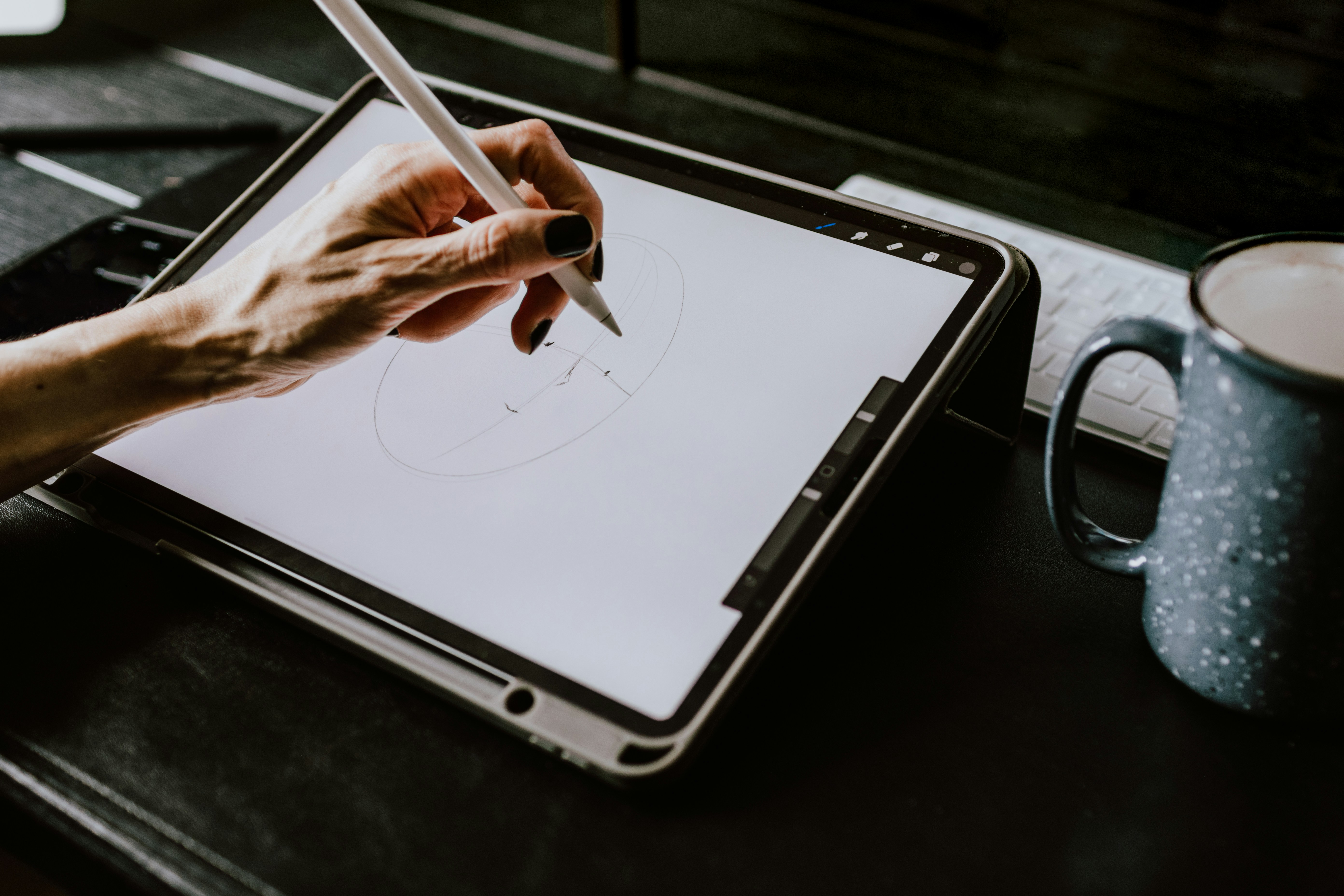
The iPad Pro M5 with Apple Pencil Pro is the best standalone tablet, and iPads are the only tablets that run Procreate.
Huion's Kamvas 22 (Gen 3) puts a 21.5-inch screen on your desk for $599, and a pen tablet under $100 is all a beginner needs.
The pen's activation force, how lightly it starts to register a line, matters more than whether a pen has 8,192 or 16,384 pressure levels.
There are three kinds. A pen tablet has no screen. You draw on a pad and watch the line appear on your monitor, which takes a little practice but costs less and keeps you looking up rather than hunched over. A pen display is a screen you draw on directly, but it still plugs into a computer, so you can run desktop software like Photoshop, Clip Studio Paint, or Krita. A standalone tablet, like an iPad, a Galaxy Tab, or Wacom's MovinkPad, is its own computer and goes anywhere, but you're limited to mobile apps. Pick the type first, then the model.
We looked at drawing feel and pen quality, screen size, resolution, and color, anti-glare surface, shortcut keys, connections and operating system support, what's included in the box, independent reviews, and price.
Tablet | Type | Best for | Price |
|---|---|---|---|
Xencelabs Pen Display 16 | Pen display | Best overall | $1,249 Bundle, Lite $799 list |
Wacom Intuos Pro Medium (2025) | Pen tablet | Drawing without a screen | $379.95 list |
Apple iPad Pro M5 + Pencil Pro | Standalone | Procreate and portability | $999 plus $129 for the pen |
Samsung Galaxy Tab S12 Ultra | Standalone | Android, with the pen included | $1,399 |
Wacom MovinkPad Pro 14 | Standalone | A dedicated drawing tablet | $1,099 |
Huion Kamvas 22 (Gen 3) | Pen display | A big screen for the money | $599 |
Wacom One 14 | Pen display | Budget pen display | $299.95 |
The Pen Display 16 is a 4K OLED pen display from Xencelabs, a company founded by former Wacom staff.
What works: Its 15.6-inch 3840x2160 OLED covers 98% of Adobe RGB, so colors match print and photo work, and an etched anti-glare surface keeps reflections down under overhead light. It comes with two battery-free pens, a standard three-button pen and a thin one, both with 8,192 pressure levels and 60 degrees of tilt. The Bundle adds the Quick Keys remote, with a small OLED screen, a dial, and up to 44 shortcuts per app, plus a hub and a two-angle stand. It runs on one USB-C cable with computers that support video over USB-C, and it works on Windows, macOS, and Linux. Creative Bloq named it the best pen display it tested.
What doesn't: There's no touch support and no keys on the display, so you need the remote, and the cheaper Lite version leaves out the remote, hub, and stand. Its 3-gram activation force is a little heavier than Wacom's.
Best for: Illustrators and photo editors who want a color-accurate screen to draw on.
The Intuos Pro is Wacom's professional pen tablet, redesigned in 2025 with a thinner body and its controls moved to the top edge.
What works: Its Pro Pen 3 starts registering at about 1 gram of pressure in Creative Bloq's tests, so light sketch lines come through, and you can change its weight, grip, and buttons. It ships with 10 nibs. Because the keys and dials sit along the top edge, the tablet works the same for left- and right-handed artists. It connects by Bluetooth or USB, supports multitouch gestures, and has a 7.4 x 4.1-inch active area. It launched at $379.95 and has sold for as little as $299.95 on Amazon.
What doesn't: There's no screen, so you need to get used to drawing while watching your monitor, and it comes with only one pen.
Best for: Artists who want professional pen feel at a desk without the cost of a screen.
The iPad Pro M5 is Apple's top tablet, and with the Pencil Pro, it's one of the most popular portable drawing setups.
What works: Its tandem OLED screen runs at up to 120Hz, and Parka Blogs' line tests showed clean tapers with no jitter on slow diagonal strokes. The Pencil Pro adds a squeeze gesture, barrel roll for rotating brushes, and haptic feedback, and the iPad shows a hover preview before the tip touches the glass. iPads are the only tablets that run Procreate, a one-time purchase, and the Pro is a full computer you can draw on anywhere. The 11-inch model starts at $999 and the 13-inch at $1,299, and both have sold for $150 to $200 less. For a cheaper route, the iPad Air M4, released in March 2026, starts at $599 and supports the Pencil Pro.
What doesn't: The Pencil Pro is another $129, the glossy glass is slippery and reflective unless you pay for nano-texture on the 1TB or 2TB models, and you're limited to iPadOS apps.
Best for: Artists who want to draw anywhere, and anyone set on Procreate.
The Galaxy Tab S12 Ultra is Samsung's largest tablet, released in October 2026, and it includes the S Pen in the box.
What works: Its 14.6-inch AMOLED screen runs at 120Hz and reaches 1,600 nits, so it's the biggest screen of any standalone tablet here, and Samsung promises seven years of Android updates. Krita makes good use of the large canvas. Parka Blogs called it the best Android tablet on the market. It costs $1,399 with Wi-Fi.
What doesn't: Samsung removed the anti-reflective coating from earlier models, so plan on a matte screen protector, and Procreate isn't available on Android.
Best for: Android users who want a huge portable canvas without buying a pen separately.
The MovinkPad Pro 14 is Wacom's Android tablet made for drawing, with the same pen as its professional displays.
What works: Its 14-inch OLED screen is laminated with an etched matte surface, covers 100% of the DCI-P3 color range, and runs at 120Hz. It includes the battery-free Pro Pen 3, with 8,192 pressure levels and tilt, and Parka Blogs ranked its pen performance in the top three alongside Apple's and Samsung's. It comes with a 12-month Clip Studio Paint Debut license.
What doesn't: Its price rose from $899.95 at launch to $1,099 in September 2026, according to Parka Blogs. The cover and stand cost extra, and some OLED screens flicker at low brightness, which bothers sensitive eyes.
Best for: Artists who want a portable tablet built for drawing first, with a matte screen out of the box.
The Kamvas 22 (Gen 3) is Huion's mid-range 21.5-inch pen display, released in March 2026.
What works: It has a 2560x1440 screen at 90Hz, a second-generation etched anti-glare glass, and a stand that comes pre-installed, plus VESA mounting. Its pen has 16,384 pressure levels and a 2-gram activation force. Parka Blogs found the anti-glare good and measured full sRGB color coverage, and it costs $599, less than half the price of the Xencelabs Bundle. For tight desks, the 15.8-inch Kamvas 16 (Gen 3) costs $499.
What doesn't: There's no touch support, it reaches only 250 nits, and it takes up a lot of desk space. Its warranty is one year.
Best for: Desk-based artists who want a large screen without paying Wacom prices.
The Wacom One 14 is Wacom's entry-level pen display, released in September 2025 for $299.95.
What works: Its 14-inch 1920x1080 screen covers 98% of sRGB and has an etched surface that cuts glare and gives the pen a bit of grip. AppleInsider found setup easy and the pen comfortable, and at 750 grams, it's light enough to move between desks.
What doesn't: Its 1080p screen shows fewer details than the displays above, small text is hard to read, and it doesn't support touch.
Best for: Beginners and students who want to draw on a screen without spending much.
A pen tablet is the cheapest way to start. The Huion Inspiroy 2 S costs about $50 and uses a battery-free pen with 8,192 pressure levels. XPPen's Deco 01 V3 has a larger 10 x 6.25-inch area, eight shortcut keys, and a pen with 16,384 levels, and it can even connect to a phone, though Gizmochina noticed the surface polish wearing after about a month. The Wacom Intuos Small is certified to work with Chromebooks and has sold for about $40 wired.
Not as much as the box suggests. Brands now advertise 8,192 or 16,384 pressure levels, but the difference is hard to feel. What you notice is the activation force, the lightest touch that makes a mark. Wacom's Pro Pen 3 starts at about 1 gram, Huion's latest pen at 2 grams, and Xencelabs' at 3 grams, so a lower number means faint sketch lines come through more easily. Apple and Samsung don't publish pressure levels at all.
The Xencelabs Pen Display 16, for artists who work on a computer. It has a color-accurate 4K OLED screen, two pens, and a shortcut remote in the Bundle. The iPad Pro M5 is the best standalone pick, and the Wacom Intuos Pro Medium is the best tablet without a screen.
No. Pen tablets without screens cost much less and are easier on your posture, though drawing while looking at a monitor takes some practice. Many professionals use them every day.
It depends on where you draw and what software you use. An iPad is portable and runs Procreate, but it's limited to mobile apps. A Wacom or other pen display needs a computer, but it runs full desktop software, and most have an etched surface that feels closer to paper.
A pen tablet under $100, like the Huion Inspiroy 2 S, the XPPen Deco 01 V3, or the Wacom Intuos Small. If you want to draw on a screen, the Wacom One 14 costs $299.95.
The 2025 Wacom Intuos Pro, because its keys sit on the top edge, where either hand can reach them. Pen displays with a separate remote, like the Xencelabs Pen Display 16, also work well, since you can put the remote on either side.
Yes. Pen tablets and pen displays both work in Photoshop and Lightroom, and a display with wide color coverage, like the Xencelabs Pen Display 16 at 98% of Adobe RGB, shows colors accurately for retouching.